
Designed for deep work
Bring realism to your local development environment with customizable endpoints, real-time monitoring, and a streamlined local server that mirrors production behavior.
Create mock API servers without terminal commands
Launch a dedicated mock server per project with zero terminal setup. Point your app to localhost and start receiving mock responses immediately.
Monitor API requests and responses in real-time
Inspect incoming requests and responses as they happen. View headers, payloads, status codes, and timing information without leaving the app.
Define custom JSON responses and HTTP status codes
Create JSON or text response bodies, set custom headers, and specify HTTP status codes. Simulate success responses, error states, and edge cases.
Inspect what ships
Track every request as it hits your local server, replay payloads, and quickly iterate on endpoint definitions without restarting your workflow.
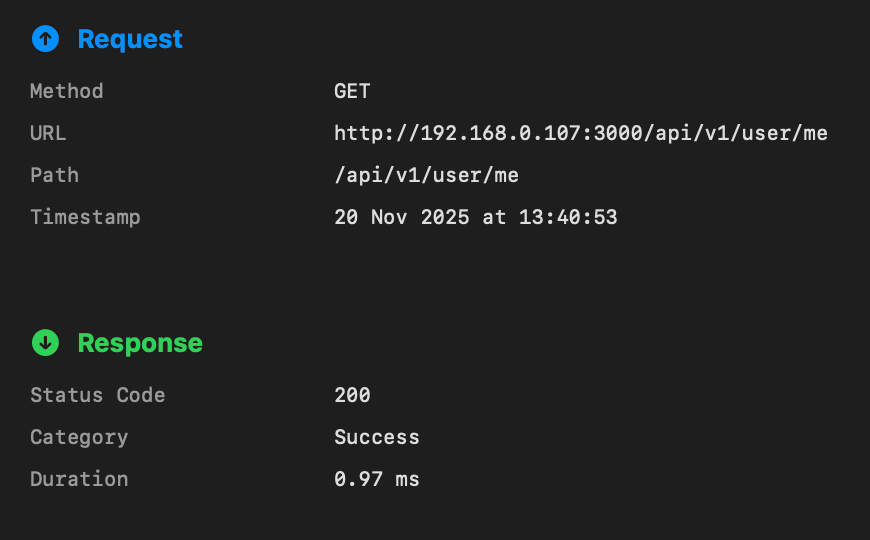
Craft responses, save reusable templates, and jump between scenarios without touching your production backend.
See Mocksy in action
Every view is tuned for clarity—from high-level endpoint overviews to granular response editors.
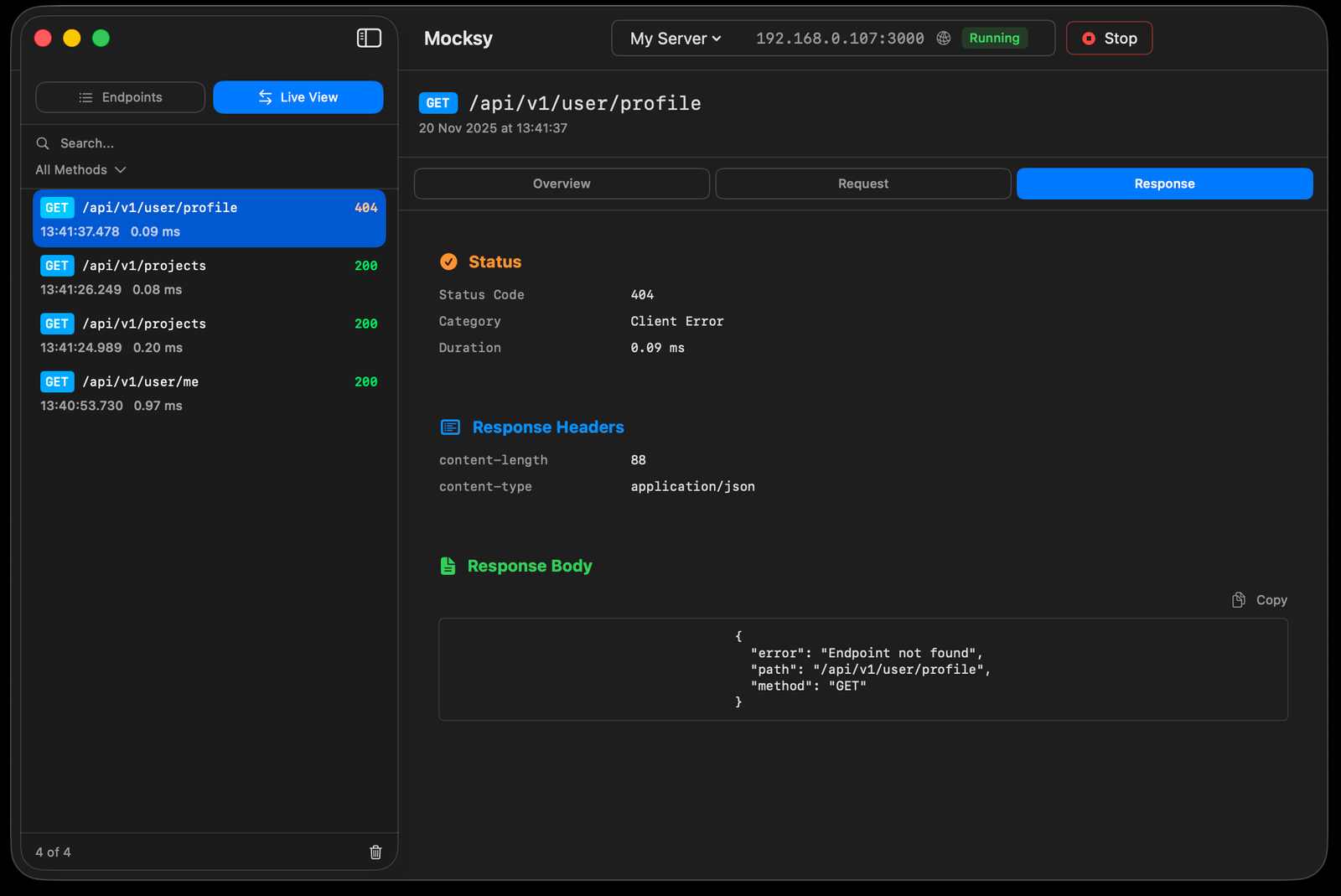 Inspect every request with live logs and response previews.
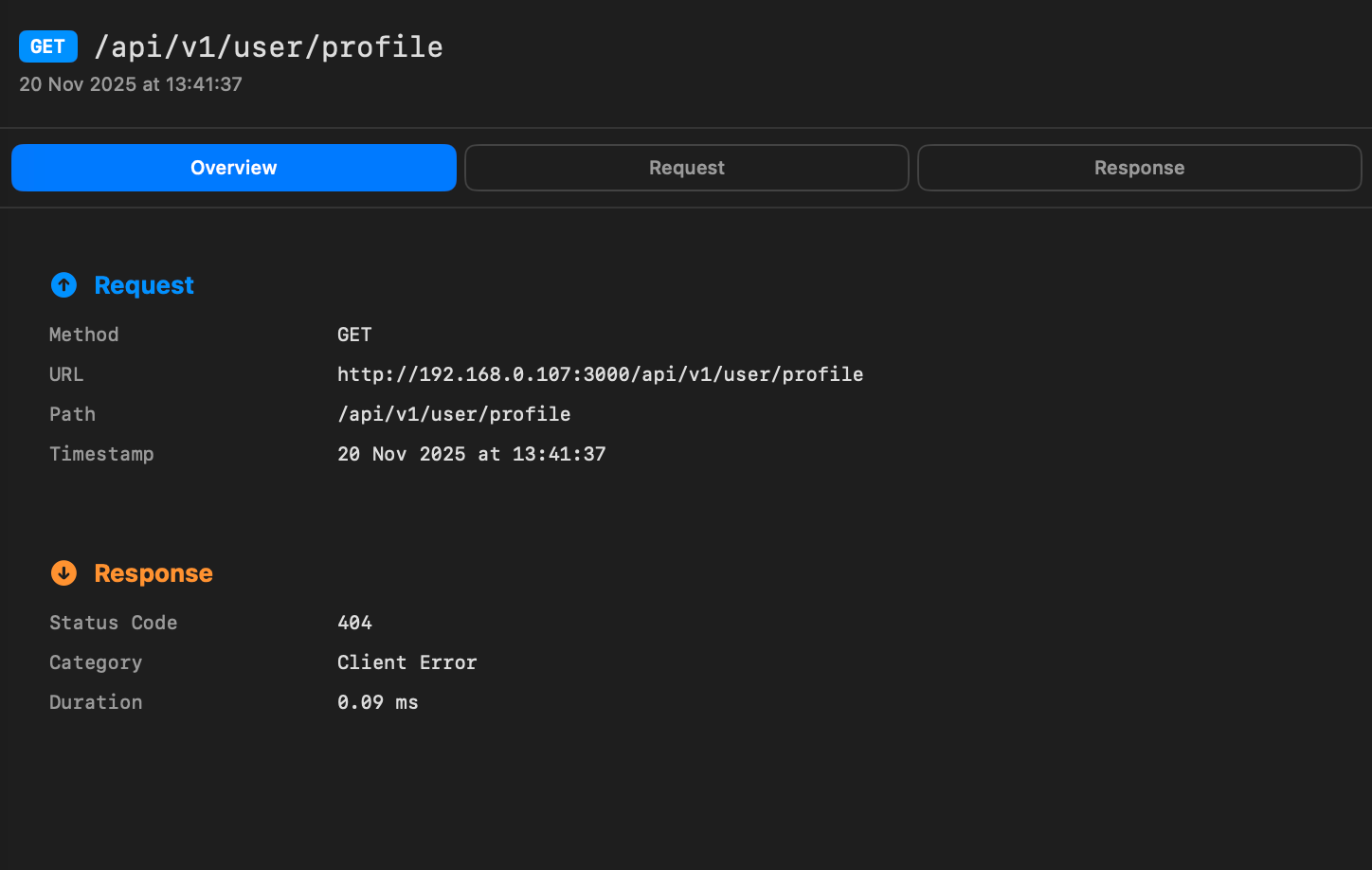 Drill into headers, payloads, and timings to match production behavior.
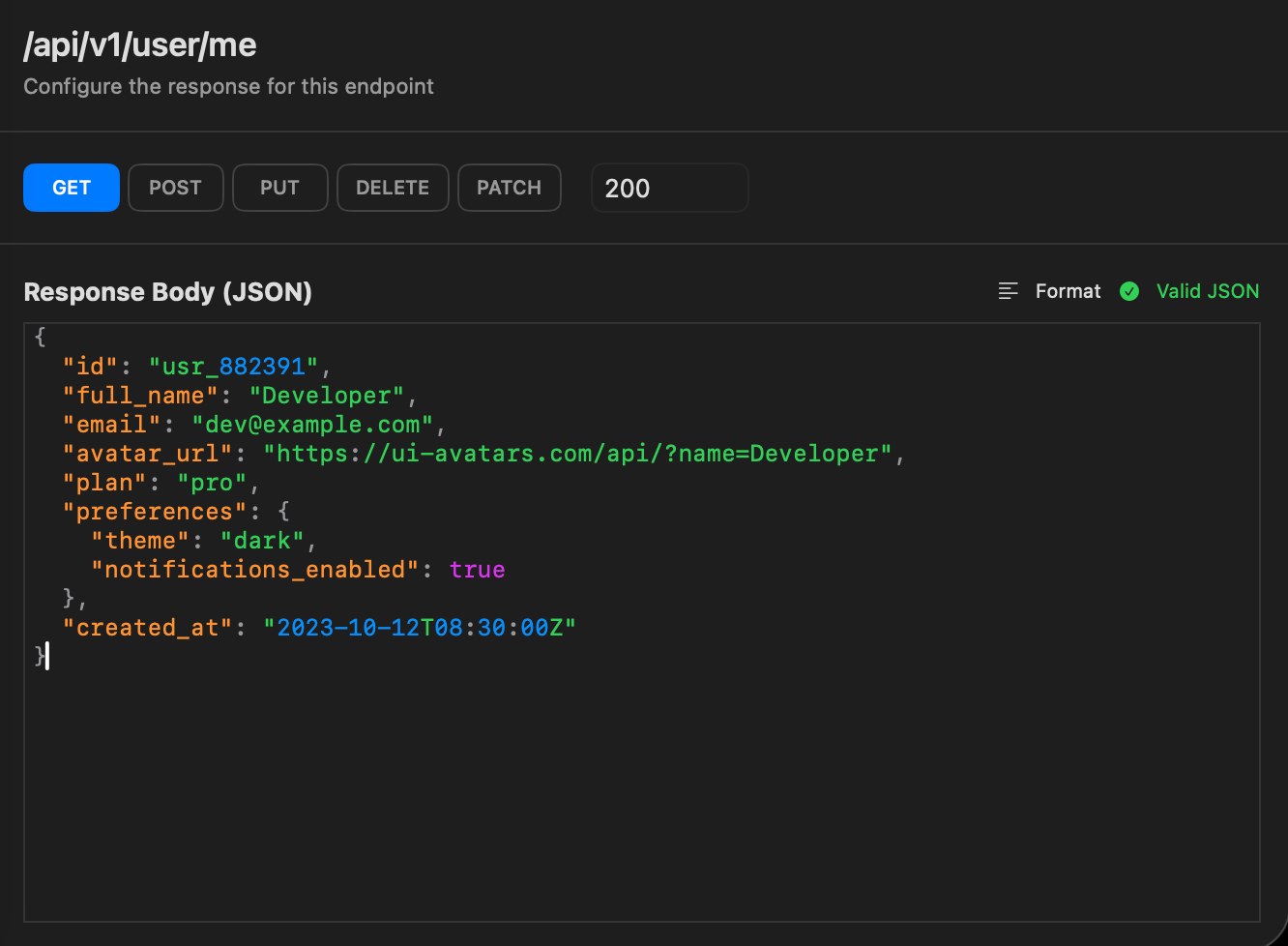 Shape responses with a focused JSON editor and instant validation.
How Mocksy Compares to Other API Mocking Tools
Mocksy is designed specifically for macOS developers who want a lightweight, native tool for local API mocking. Here's how it fits into the ecosystem:
| Feature | Mocksy | Postman | WireMock | MockServer |
|---|---|---|---|---|
| Native macOS App | Yes (Swift/AppKit) | Electron | Java/CLI | Java/Docker |
| Offline Support | Full | Partial | Full | Full |
| Setup Complexity | Download and run | Account required | Java runtime needed | Docker or Java needed |
| Resource Usage | Minimal (~50MB) | Heavy (~500MB+) | Moderate | Moderate |
| Price | Free (Pro coming) | Freemium | Free (OSS) | Free (OSS) |
| Best For | Mac developers wanting simplicity | Full API lifecycle | CI/CD integration | Enterprise mocking |
When to Choose Mocksy
- You develop on macOS and want a native, lightweight app
- You need quick mock setup without configuration files
- You prefer a visual interface over CLI tools
- You work offline or on unreliable networks
- You're looking for a Postman alternative that isn't Electron-based
When to Consider Other Tools
- You need cross-platform support (Windows/Linux)
- You require advanced scripting or programmatic mock definitions
- You need CI/CD pipeline integration
When to Use Mocksy
Mocksy helps developers in several common scenarios:
Frontend Development Without a Backend
Building a mobile app or web frontend before the API is ready? Mock your expected endpoints and build against them.
Testing Error States and Edge Cases
Test how your app handles 500 errors, timeouts, or malformed responses by defining mock responses for each scenario.
Offline Development
Working without reliable internet? Mocksy runs entirely locally and serves responses without any network connection.
Demo and Presentation Environments
Mock consistent, predictable responses so demos never fail due to API issues or network problems.
Prototyping API Integrations
Mock endpoints based on API documentation before committing to a real integration.
Isolating Components for Testing
Mock external APIs to ensure your tests are deterministic, fast, and don't depend on third-party services.
Technical Specifications
Mocksy Pro (coming soon)
We are building Mocksy Pro for power users. Get early access updates and help shape advanced workflows tailored for larger teams.
Multiple servers
Run and manage several mock servers at once with isolated configs per feature branch.
Proxy mode
Forward requests to live services when needed and intercept or reshape responses on the fly.
Dynamic scripts & export
Add logic to responses and export/import endpoint libraries to share with your team.
Frequently Asked Questions About Mocksy
Does Mocksy replace my backend?
No. Mocksy augments your workflow so you can simulate services when real endpoints are unstable or unavailable. It's a development tool, not a production server.
Can I use Mocksy offline?
Yes. Mocksy runs entirely on your Mac and serves mock responses without any internet connection. Ideal for development while traveling or on unreliable networks.
Will my mocks sync across devices?
Mocksy stores configurations locally on your Mac. Multi-device sync will be evaluated after Mocksy Pro launches.
Is Mocksy free?
Yes, Mocksy is free to download and use from the Mac App Store. A paid "Mocksy Pro" version with advanced features is coming soon.
What macOS version does Mocksy require?
Mocksy requires macOS 13 Ventura or later. It runs natively on both Apple Silicon (M1, M2, M3, M4) and Intel Macs.
How is Mocksy different from Postman?
Mocksy is a native macOS app built specifically for local API mocking. Unlike Postman (Electron-based, covering the full API lifecycle), Mocksy focuses on quickly mocking endpoints for local development with fewer system resources.
Can Mocksy mock GraphQL endpoints?
Mocksy can mock any HTTP endpoint, including GraphQL. Define your endpoint path and set the response body to your GraphQL JSON response.
Does Mocksy support response delays?
Response delay simulation is planned for Mocksy Pro. The free version returns responses immediately.
Can I import Postman collections into Mocksy?
Import/export functionality is planned for Mocksy Pro. Currently, endpoints are defined manually within the app.
How do I point my app to Mocksy's mock server?
Mocksy runs a local server on a port you specify (e.g., localhost:8080). Configure your app's API base URL to point to this address during development.
Is Mocksy open source?
No, Mocksy is proprietary, distributed through the Mac App Store. It follows privacy-first principles and doesn't require an account.
Can multiple apps connect to the same Mocksy server?
Yes. Any application on your Mac can send requests to the Mocksy mock server.